在学习spring过程中执行单元测试时提示报错
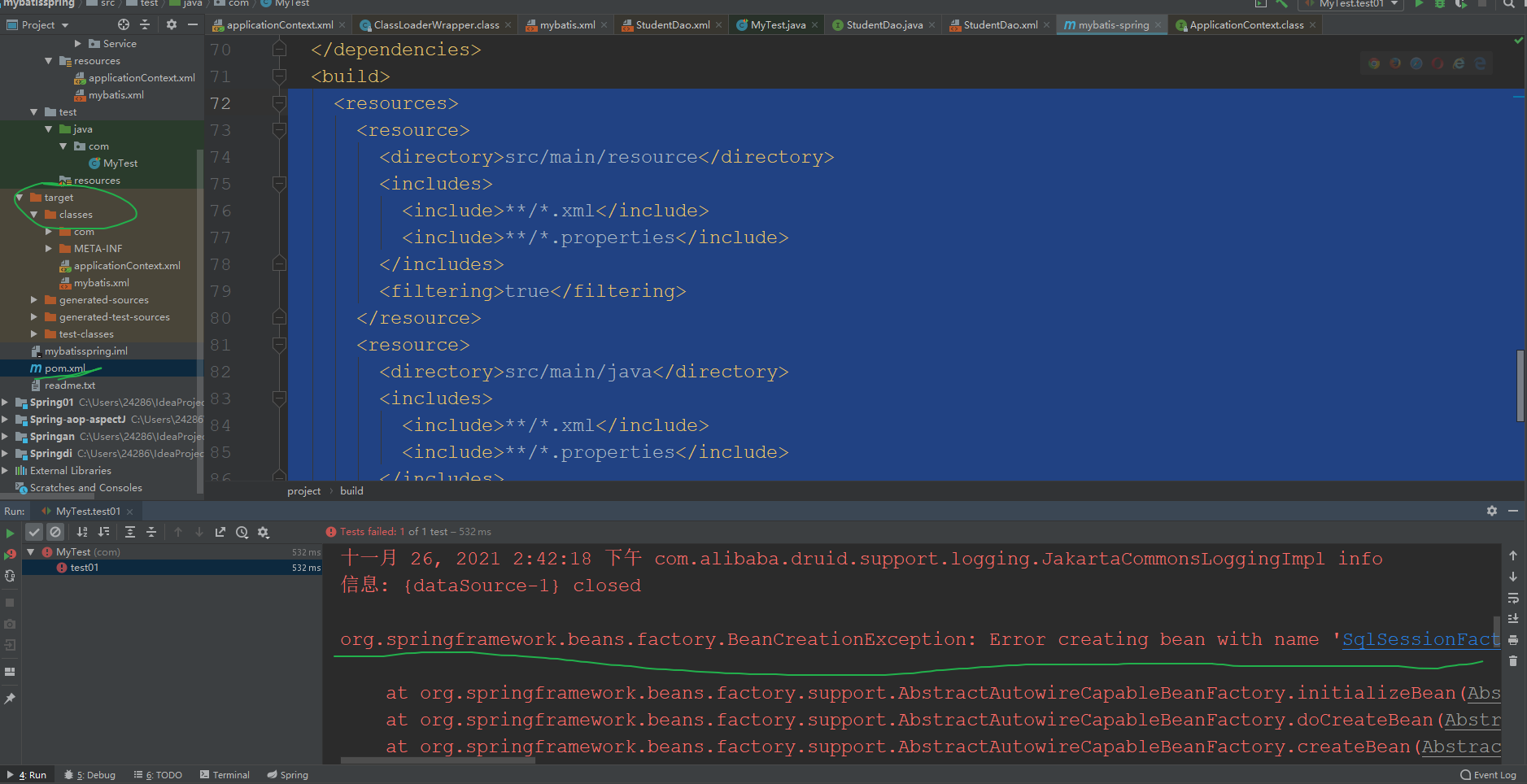
下面是报错信息的第一行
1 | org.springframework.beans.factory.BeanCreationException: Error creating bean with name 'SqlSessionFactory' defined in class path resource [applicationContext.xml]: Invocation of init method failed; nested exception is org.springframework.core.NestedIOException: Failed to parse config resource: class path resource [mybatis.xml]; nested exception is org.apache.ibatis.builder.BuilderException: Error parsing SQL Mapper Configuration. Cause: java.io.IOException: Could not find resource com/dao/StudentDao.xml |
第一种情况:
根据上述报错可以看出最表层的错误是在spring配置文件中创建SqlSessionFactory失败
看最后的引起错误的原因是Cause: java.io.IOException: Could not find resource com/dao/StudentDao.xml
是找不到mapper文件,所以想到指定mapper文件的地方,应当是mybatis的主配置文件的
第二种情况:
一般情况下资源文件(各种xml,properites,xsd文件等)都放在src/main/resources下面,利用maven打包时,maven能把这些资源文件打包到相应的jar或者war里,但是我们为了方便一般都把mapper.xml和dao文件放在一起。
有时候,比如mybatis的mapper.xml文件,我们习惯把它和Mapper.java放一起,都在src/main/java下面,这样利用maven打包时,就需要修改pom.xml文件,来把mapper.xml文件一起打包进jar或者war里了,否则,这些文件不会被打包,maven会认为src/main/java只是java的源代码路径。
所以需要在pom.xml文件build中加入以下代码:
1 | <resources> |
上述代码指定程序扫描上述指定路径下的所有xml和properties文件,其他类型的配置文件也可以另外指定
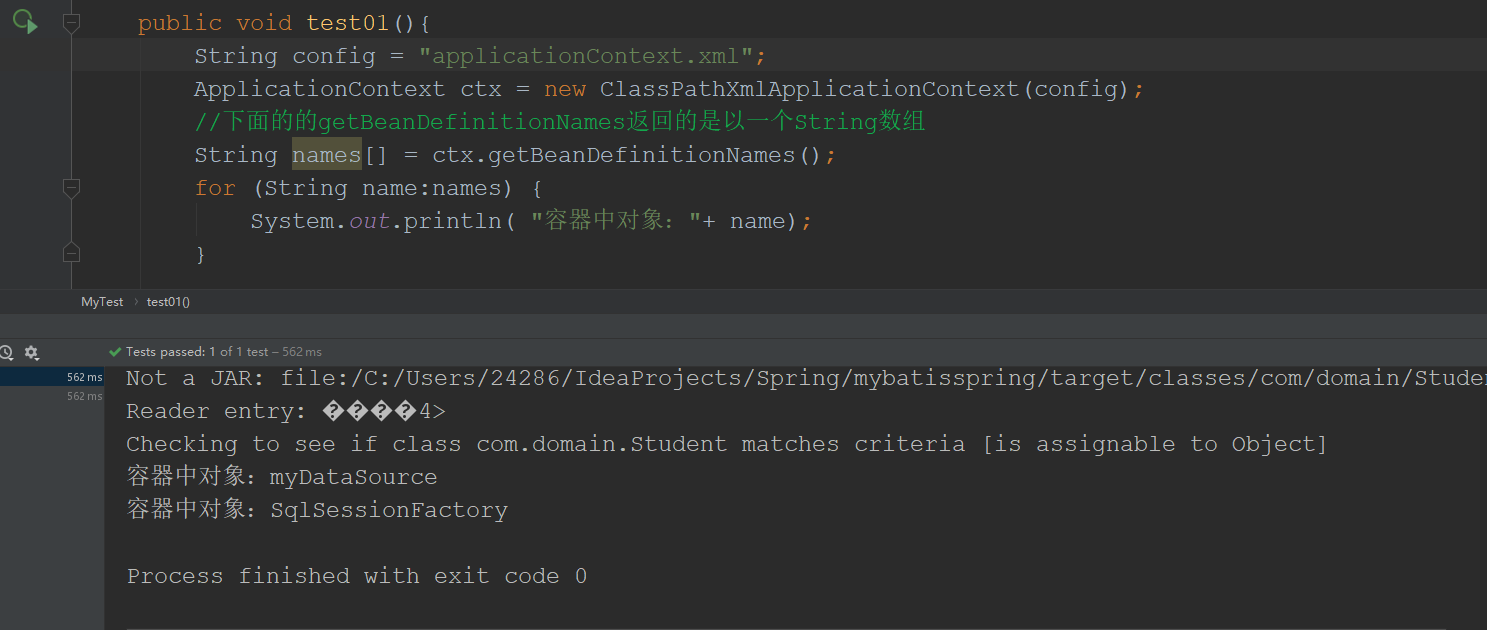
修改之后发现程序可以正常运行
如果您喜欢此博客或发现它对您有用,则欢迎对此发表评论。 也欢迎您共享此博客,以便更多人可以参与。 如果博客中使用的图像侵犯了您的版权,请与作者联系以将其删除。 谢谢 !